Cancellation
If you want to cancel your subscription plan, including your free trial, you can do so through the TradeDots self-service portal.
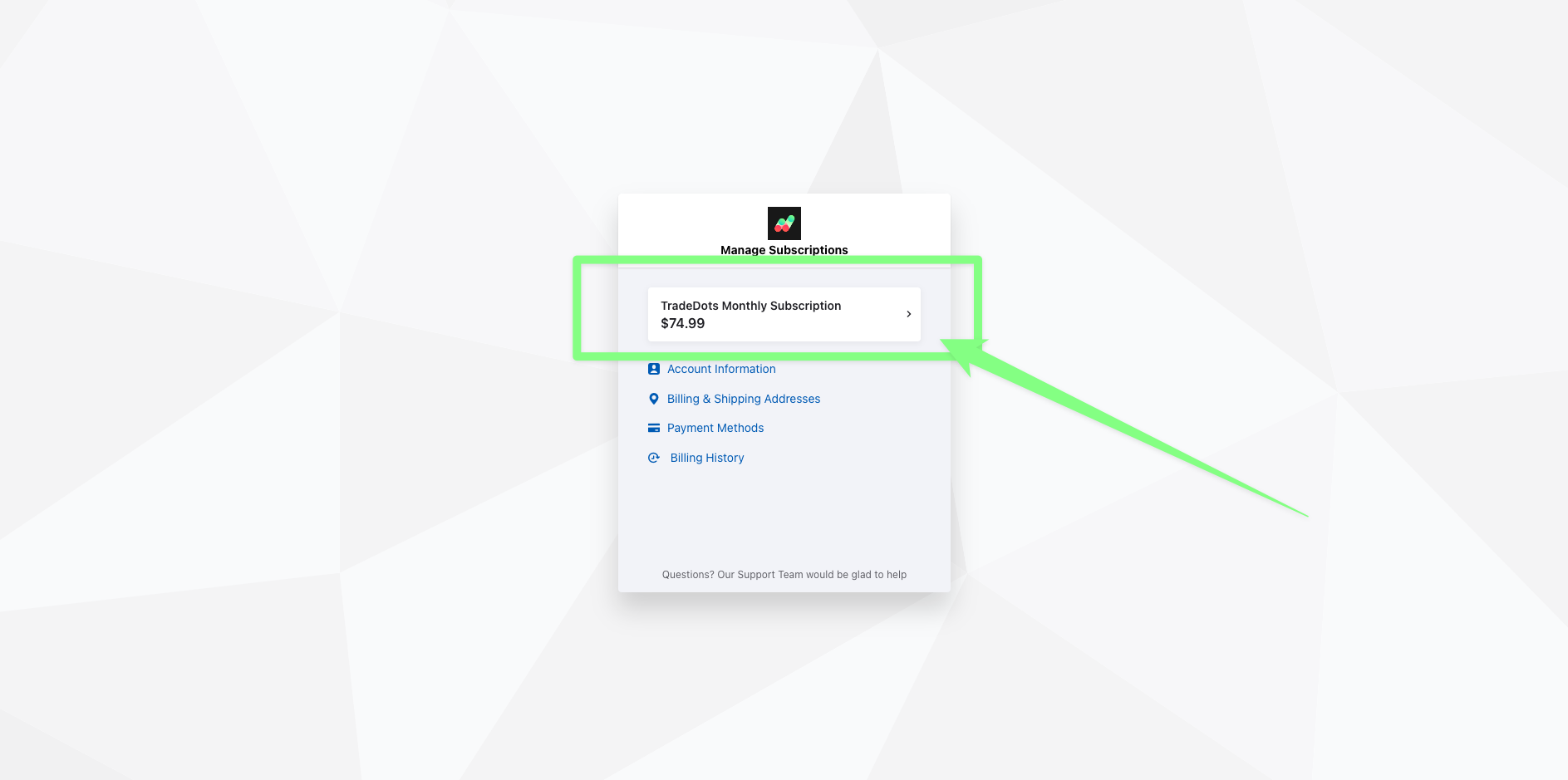
Step 1: Select Your Current Subscription Plan
Go to TradeDots self-service portal. Log in into your service account and select your current subscription plan.
Step 2: Cancel Your Subscription
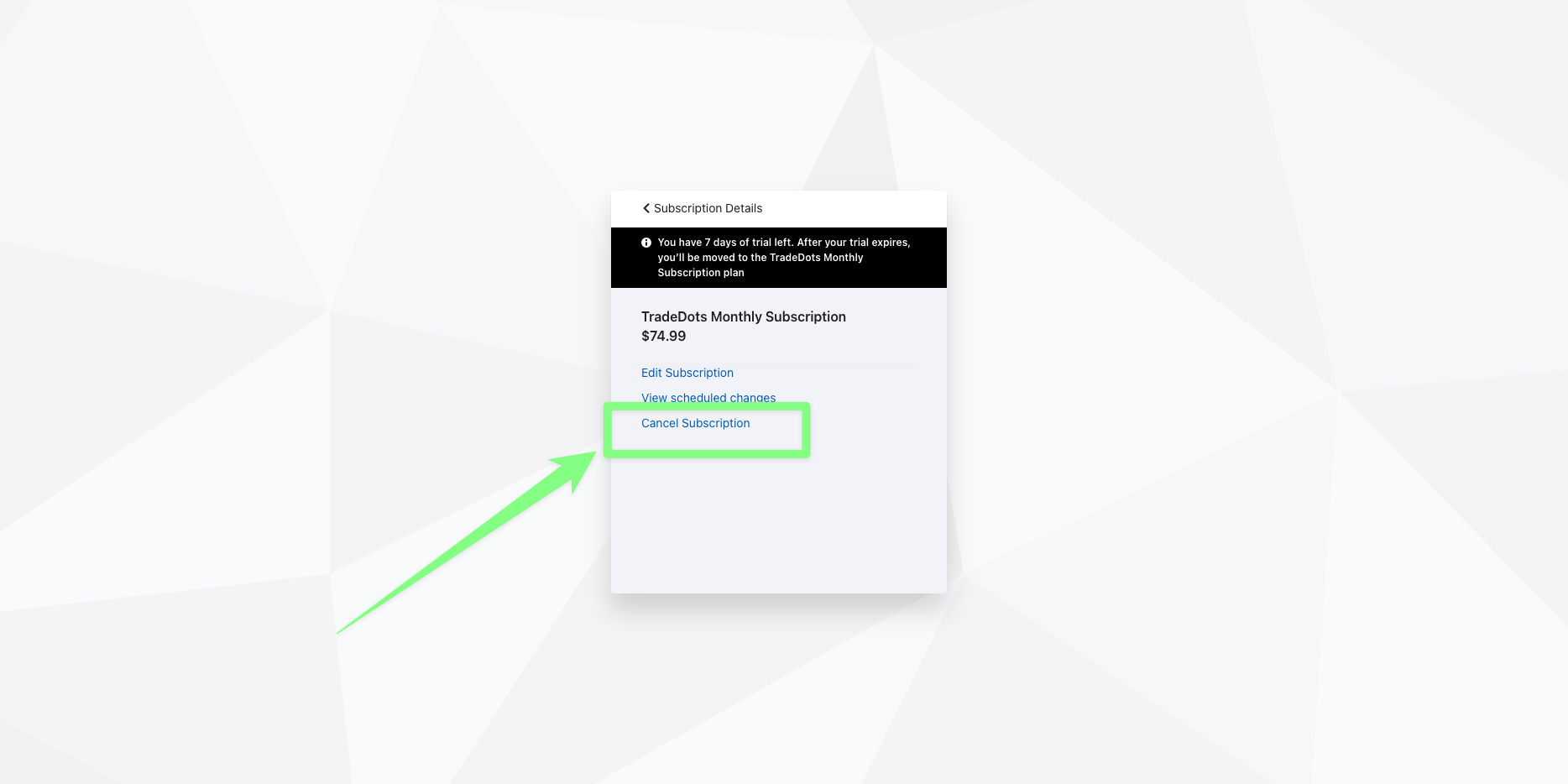
To cancel your subscription, simply click on "Cancel Subscription" in the subscription menu. Then, provide your reason for cancellation and you're all done!
Regret Cancelation
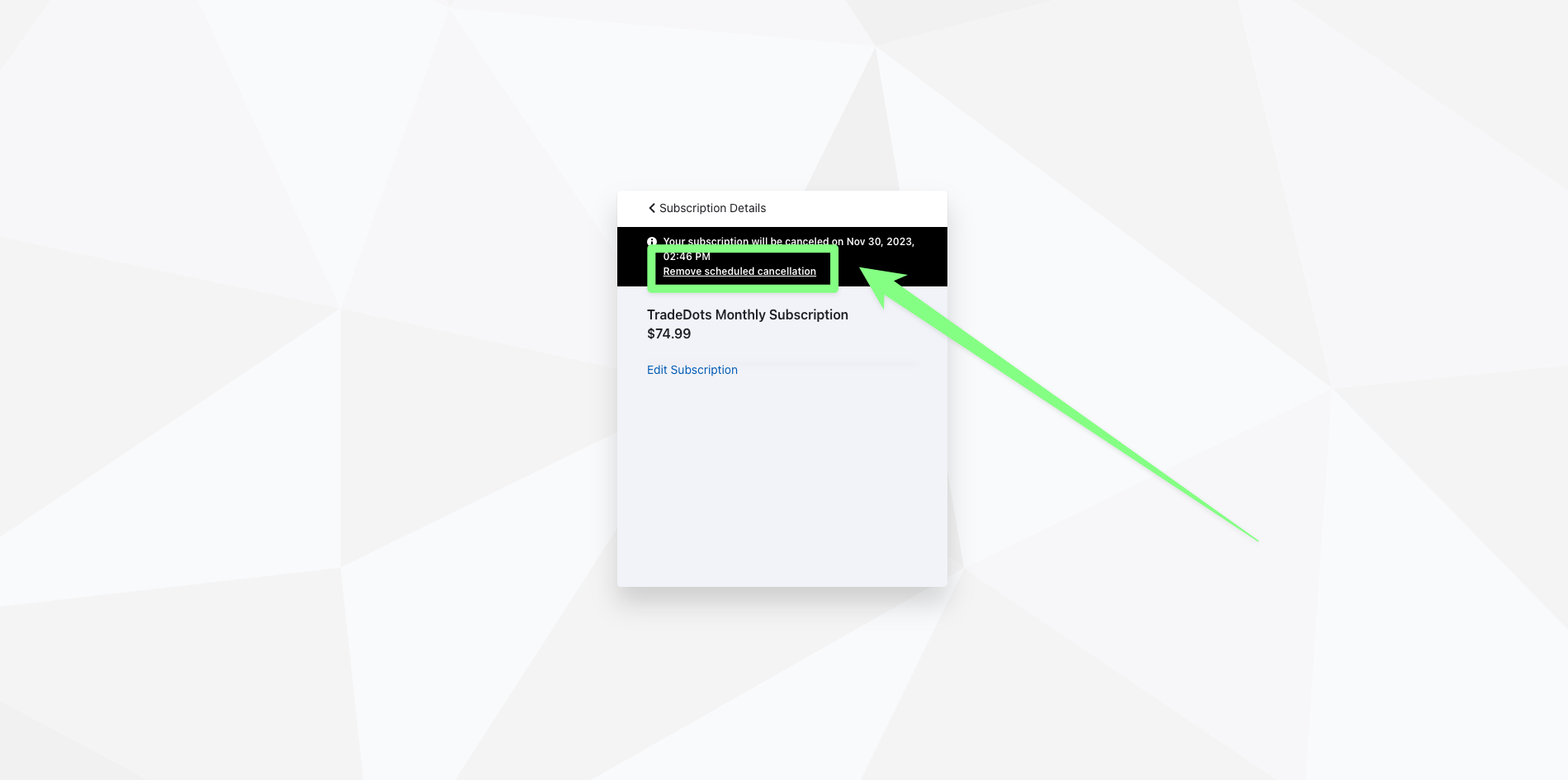
If you regret canceling your plan, you can easily resume your subscription before it ends by clicking the "remove scheduled cancellation" button.